


Table of Contents
In a world full of notifications and distractions, finding focus and balance can seem difficult. The Offtime app helps you disconnect by blocking calls, texts, app notifications, and more—letting you choose when and how to use your phone.
What is Offtime?
Offtime is a mobile app available for Android and iOS that helps users create customized “focus profiles.” These profiles allow you to block incoming calls, texts, and notifications from selected apps during designated times, encouraging mindful device use and reducing compulsive checking.
Key Features
- Customizable profiles: Create modes for work, family time, relaxation, or sleep.
- Block calls, texts, and notifications: Silence distractions while still allowing important contacts through.
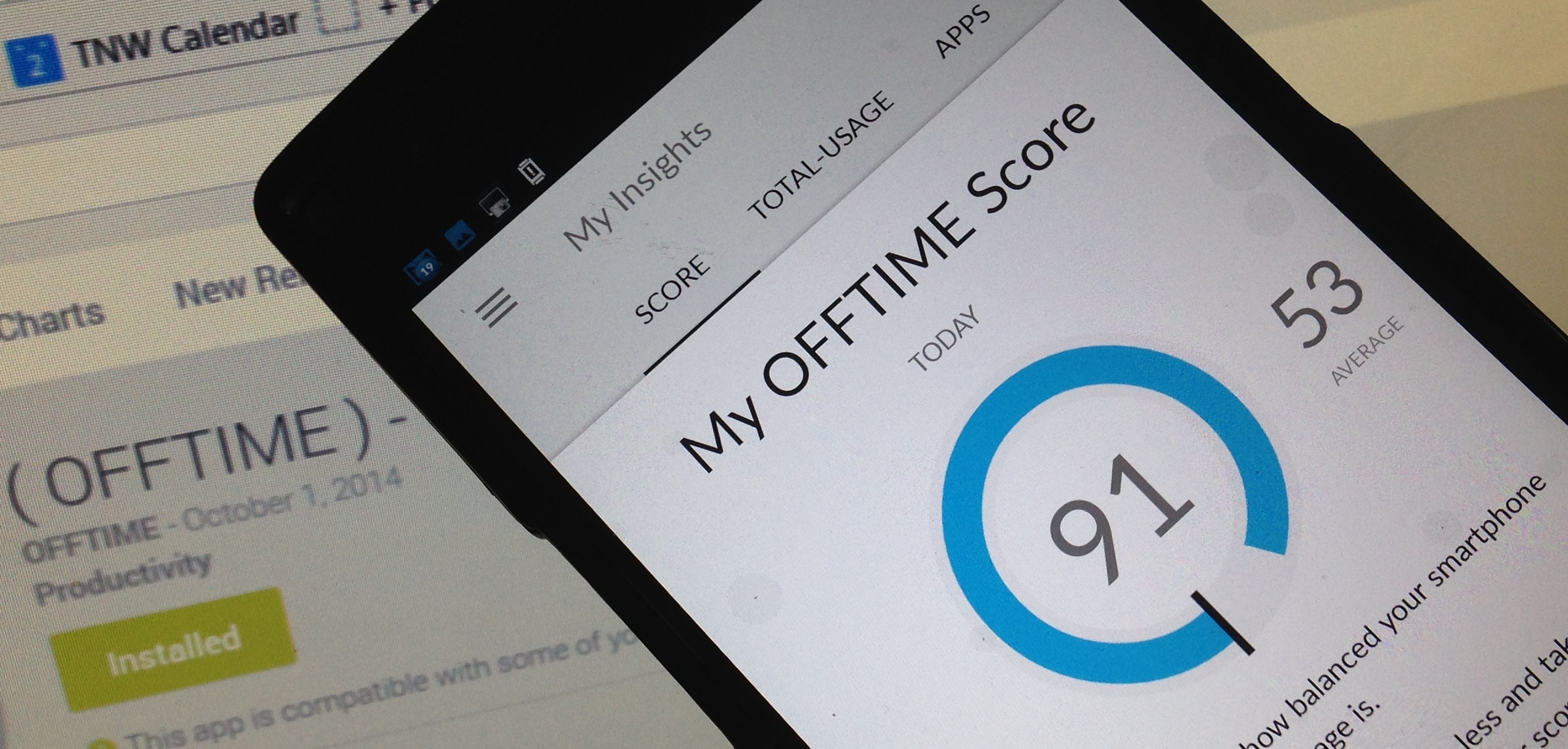
- Usage insights: Track your phone habits and identify patterns.
- Whitelist contacts: Ensure urgent calls get through during focus sessions.
- Easy scheduling and manual activation: Flexibility to match your routine.
How Offtime Supports Digital Detox and Social Media Recovery
By controlling interruptions and limiting access to social media apps during focus times, Offtime helps break addictive behaviors. Users report feeling more present, less stressed, and better able to manage their work-life balance.
Pricing
Offtime offers a free version with essential features. Some premium options may require a subscription or one-time purchase, depending on your platform.
Pros and Cons
Pros:
- Versatile and customizable blocking options
- Provides valuable usage insights
- Encourages intentional phone use
Cons:
- Available only on mobile devices
- Risk of missing urgent communication if not properly set up
Getting Started with Offtime
- Download Offtime from Google Play or the App Store.
- Set up your profiles based on your daily needs.
- Customize blocked apps, calls, and messages.
- Schedule focus sessions or activate manually.
- Review your usage stats to track progress.
Alternatives
For cross-device blocking, apps like Freedom, browser extensions like StayFocusd, or focus tools like Forest are worth exploring.